Choose the launch monitor that fits your room depth first (radar units need roughly 17 ft or more of full-room depth by our calculation; side-mounted camera units fit shallower rooms), start with a net or a DIY screen, buy the best mat you can afford, and use a phone or tablet before paying for a PC. That gets a solid setup for about $1,500 to $3,000, with projection added later.
The plan, in order
- Measure the room: width, ceiling height and depth. See room size.
- Pick the launch monitor for that depth (table below).
- Buy a good mat; it is the component you feel every shot.
- Start with a net or DIY screen, and a phone or tablet app.
- Add a projector and PC later, when you want full simulator play.
Launch monitor by room depth
| Model | Type | Full-room depth (FOREference) | Spin | Price |
|---|---|---|---|---|
| Garmin Approach R10 | Radar behind the ball | About 17 to 19 ft | Calculated | $499.99 |
| Rapsodo MLM2PRO | Radar + camera behind the ball | About 16.5 to 18.5 ft | Measured with marked balls | $599.99 |
| Square Golf (Home Edition) | Camera beside the ball | About 13.5 to 15.5 ft | Measured | $699 |
Shallow garage? A side-mounted camera unit like Square Golf avoids the depth radar needs. Compare more in launch monitors under $1,000.
Net or screen?
- Net: the cheapest start ($100 to $400), fine for practice with app data; no projected image.
- DIY impact screen and frame: $300 to $1,000; ready for a projector later.
- Budget enclosure kit: $800 to $1,500; side protection and a cleaner look.
Mat and display
A $100 mat over hard foam jars wrists and elbows; a $400 to $500 mat with dense turf and 5/8 inch foam is the best-value upgrade in most builds. See hitting mats by price.
Many budget launch monitors run their own apps on a phone or tablet, which is enough for practice and basic simulator play. A gaming PC ($1,200+) unlocks GSPro and similar software when you are ready.
Products mentioned
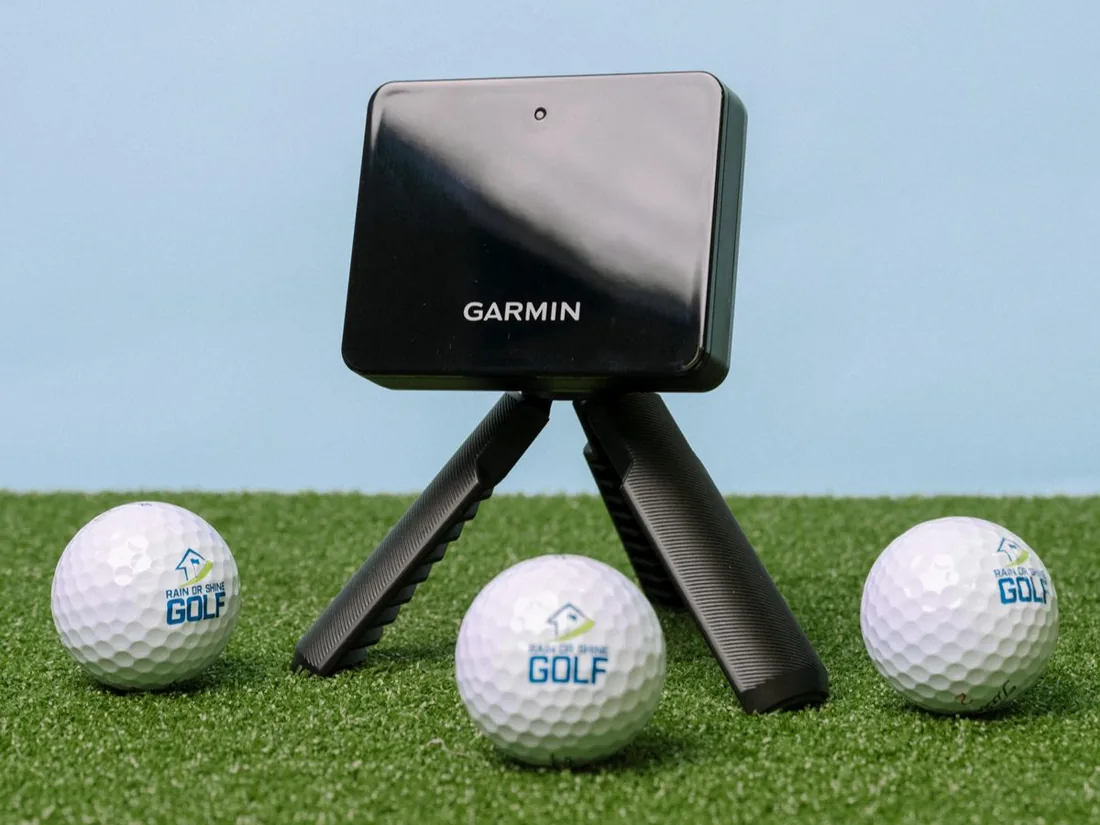
Garmin Approach R10
Radar · Behind the ball · 17–19 ft deep
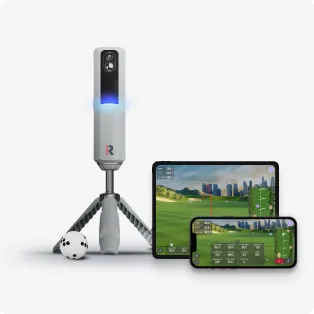
Rapsodo MLM2PRO
Radar + camera · Behind the ball · 16.5–18.5 ft deep
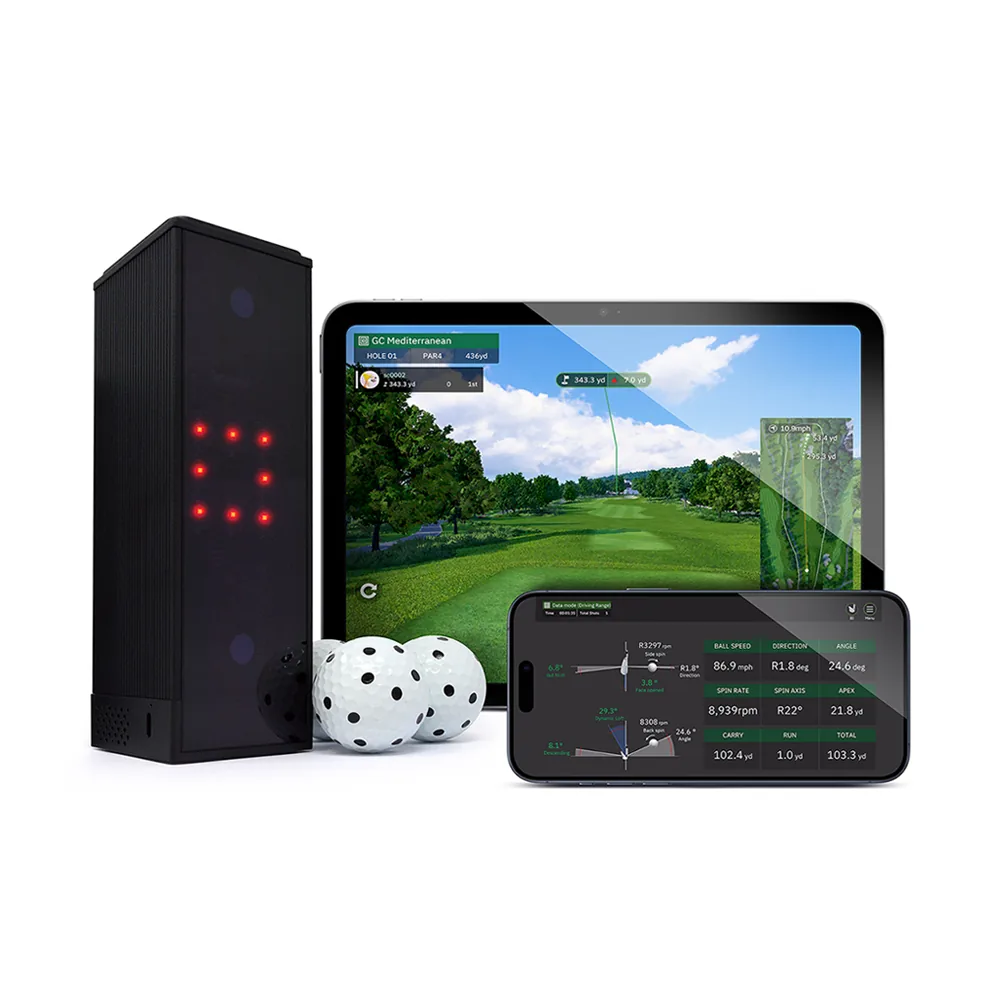
Square Golf (Home Edition)
Camera · Beside the ball · 13.5–15.5 ft deep
Questions readers ask
What is the cheapest way to build a golf simulator?
Can I build a golf simulator for under $3,000?
Do I need a PC for a budget golf simulator?
How deep does a room need to be for a budget launch monitor?
Figures marked as FOREference calculations show their working; product figures come from the sources on each product page. How we work